
What players say
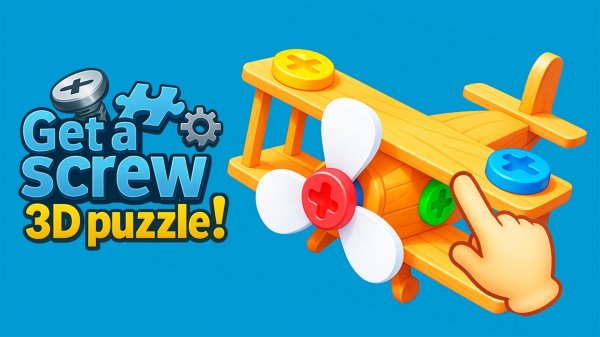
3D Puzzle Assembly: Brain Challenge focuses on one clear idea: rotate a 3D object, find the right bolts, and remove them in a logical order. The controls are simple on both PC and mobile, and the difficulty comes from the puzzle layouts rather than reflexes. It suits kids and adults who want brain training through mechanical reasoning. The main limitation is that the input does not describe story, multiplayer, or level count, so players seeking those features should look elsewhere.
About this game
What You Actually Do
Each level hands you a 3D mechanism made of bolts and parts. Your job is to rotate the object and unscrew the right bolts in the right order. On PC, left-click drag rotates the object, left-click unscrews a bolt or interacts with the UI, and the mouse wheel zooms. On mobile, hold and drag to rotate, tap a bolt to unscrew it, and pinch to zoom. The puzzle is not about reflexes but about reading the structure and deciding what comes off first.
Why the 3D View Matters
The 3D environment is not decoration. Bolts can be hidden behind other parts, and a connection that looks obvious from one angle may be blocked from another. Rotating the object is part of the solution, not a side action. This is what separates the game from flat puzzle apps: you have to build a mental model of the mechanism in space.
Difficulty and Audience
The game is designed for both kids and adults, and the difficulty comes from the puzzle design rather than from timed pressure. Levels grow more complex, but the controls stay simple. If you enjoy brain training that rewards patience and observation, this fits. If you want fast action or a story, it will not.
Practical Tips
Before unscrewing anything, rotate the whole object once to see all sides. Identify which parts are held by which bolts. If a bolt seems stuck or a part will not move, zoom in to check for a hidden connection. Working slowly is faster than guessing.
Compatibility
FAQ
Player comments
Sign in to comment
You must be logged in before posting a review or rating.
No comments yet. Be the first to comment!




Editorial Notes