What players say
Big Shark provides a satisfying loop of eating and growing. The controls are responsive, and the ocean setting is visually pleasant. It is a safe, non-violent game suitable for all ages. Replayability comes from trying to beat your previous size record. A great choice for casual gamers.
About this game
Game Introduction
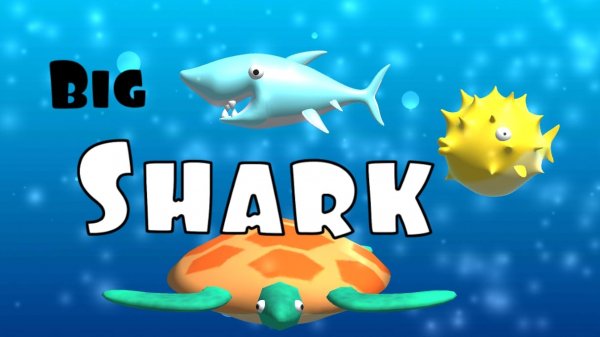
Big Shark is an exciting ocean adventure where you take control of a shark on a mission to grow. Swim through vibrant underwater worlds, eating smaller fish to increase your size and strength. But be careful—bigger fish are lurking, and they can eat you if you are not quick. Developed by Minh Triều Đoàn, this game offers simple yet addictive gameplay that keeps you coming back for more. Whether you are on a desktop or mobile device, the ocean is ready for exploration.
How to Play
Playing Big Shark is easy and intuitive. On a desktop, use your left mouse button to control the shark's movement. On mobile devices, simply tap on the screen to guide your shark. Your goal is to eat smaller fish to grow, while avoiding larger fish that can end your run. As you eat more fish, your shark becomes bigger, allowing you to take on slightly larger prey. The controls are responsive and smooth, making it perfect for quick gaming sessions. Keep an eye out for the bigger fish and plan your path wisely to survive longer.
Game Features
Simple controls let you start playing right away. Fun growth mechanics reward you as you eat more fish. Endless ocean exploration offers new challenges each time. The game is family-friendly with no violent or inappropriate content. It works smoothly on both desktop and mobile devices.
Tips for Success
Focus on eating smaller fish first to grow quickly without taking risks. Always be aware of your surroundings—bigger fish can appear suddenly. Use quick movements to dodge threats and seize opportunities. Practice regularly to improve your reaction time and path planning. As you grow, gradually target slightly larger prey to maximize your score. Stay patient and avoid reckless dashes into unknown areas.
Compatibility:
✅ Works on PC & Mobile | Recommended: Chrome / Safari / Edge