What players say
Car Care Repair DuDu Mechanic is a charming and educational game that teaches kids about car maintenance in a safe, fun way. The scanning and repair mechanics are engaging, and the positive rewards system keeps players motivated. Perfect for family play.
About this game
Game Introduction
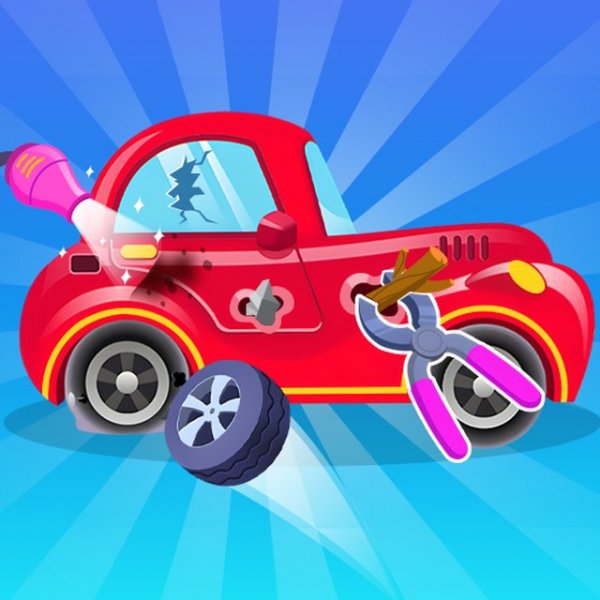
Car Care Repair DuDu Mechanic is a family-friendly educational game where players take on the role of a helpful mechanic. The core objective is to welcome customers, diagnose issues with their vehicles using a special malfunction scanner, and perform necessary repairs. Designed for players of all ages, this game offers a safe and engaging introduction to basic car maintenance concepts. Each new customer brings a car with unique problems, ensuring a fresh and rewarding experience every time. The game emphasizes problem-solving and attention to detail in a cheerful workshop setting.
How to Play
Players begin by greeting a customer who arrives at the workshop. Using simple mouse controls, you connect a malfunction scanner to the car to identify any breakdowns. Once the scanner reveals the issues, you can start repairing each problem one by one. After completing all repairs, it is recommended to check the tire pressure as a thoughtful gesture for the customer. Finally, you collect a reward and prepare for the next customer. The gameplay is straightforward and intuitive, making it accessible for children and adults alike.
Game Features
This game includes a variety of fun car repair activities that teach basic vehicle maintenance in an educational context. It features a malfunction scanner tool that helps players diagnose problems, promoting logical thinking. The workshop environment is safe and free from any violent or inappropriate content, making it suitable for kids. New customers continuously arrive, providing ongoing challenges and variety. The simple mouse-based controls ensure ease of use for all ages.
Tips for Success
To become a skilled mechanic in this game, always use the scanner thoroughly to identify all issues before starting repairs. Work methodically, fixing one problem at a time to avoid missing any steps. Remember to check the tire pressure after repairs, as this extra care can earn you better rewards. Practice regularly to improve your speed and efficiency. Pay close attention to each car's unique symptoms, as careful observation leads to accurate diagnoses. Enjoy the process and have fun helping your customers.