What players say
Obby on a Bike Online Game delivers a clean arcade experience with responsive controls and varied obstacle courses. The Normal mode is perfect for learning each level, while Challenge mode adds replayability for speedrunners. The 2 Player mode works well for local multiplayer fun. Customization options are simple but effective. Overall, it is a solid choice for casual gaming sessions.
About this game
Game Introduction
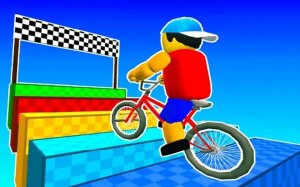
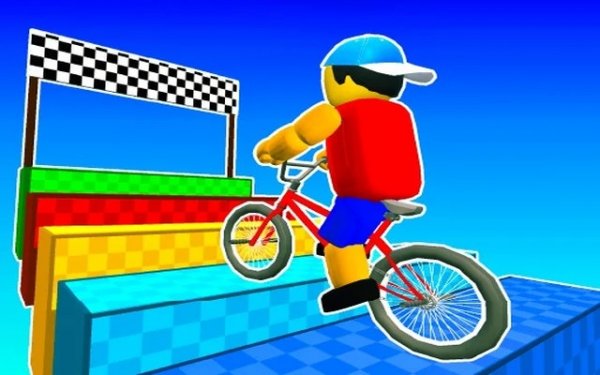
Bike Obby Arcade Runner is a 3D platform racing game that combines bike riding with obstacle course challenges. Players control a cyclist navigating through a series of parkour-style levels, known as obbys, which require precise jumps, balance, and timing to complete. The game offers two main modes: Normal mode for relaxed exploration without time pressure, and Challenge mode for speedruns against the clock. A 2 Player mode allows head-to-head racing, making it suitable for both solo and competitive play. The game is designed to be accessible for younger players while still offering depth for experienced gamers.
How to Play
Players control their bike using standard keyboard or touch controls. On a computer, arrow keys or WASD steer the bike, while the Spacebar is used to jump over obstacles. On mobile devices, an on-screen joystick and jump button provide similar functionality. In Normal mode, there is no time limit, allowing players to practice each section carefully. In Challenge mode, a timer adds pressure to complete the course quickly. In 2 Player mode, each player uses separate controls to race to the finish line. The controls are simple, making it easy for anyone to start playing immediately. Focus on balancing your bike after jumps to avoid falling.
Game Features
Two gameplay modes: Normal and Challenge. Single player and 2 Player modes are available. Advanced character customization with hats, glasses, and clothing colors. Diverse parkour levels with ramps, gaps, and moving obstacles. Easy-to-learn controls suitable for all ages. The 3D environment provides an immersive experience, and the balance mechanics add a layer of skill to the platforming action.
Tips for Success
Practice each level in Normal mode first to learn the layout and timing of obstacles. Focus on maintaining balance after jumps, as landing awkwardly can cause you to fall. Use short, controlled movements rather than rushing through sections. In Challenge mode, plan your route to minimize wasted time. For 2 Player races, watch your opponent's position and try to take shortcuts if available. Regular practice will improve your reflexes and help you master the more difficult courses.
Compatibility
💻 Desktop | 📱 Mobile | 📟 Tablet – All supported · Best with Chrome or Safari