
What players say
Color Bars delivers exactly what its name and tags suggest: a simple, colorful idle game with no fail states, no complex systems, and no offline progression. Its strengths are accessibility and a relaxing pace—anyone can click bars and toggle music with one key. The main limitation is that speed gains only happen while playing, so players seeking deep idle mechanics or background progress may find it too hands-on for an idle game.
About this game
Clicking Through the Bars
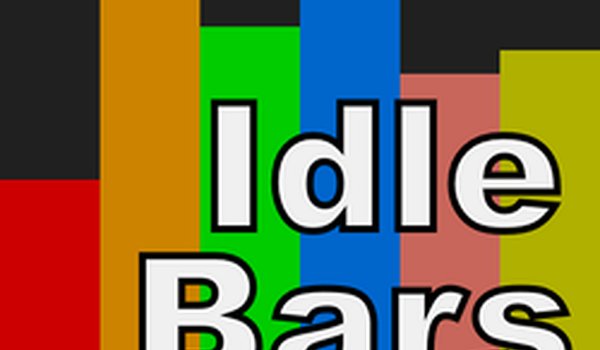
Color Bars presents a sequence of colorful bars, each requiring clicks to progress. The immediate goal is to reach the final bar in the lineup. Once there, your clicks shift from advancing to accelerating—each tap makes that last bar move faster. There is no timer or fail state; the pace is entirely up to you.
Minimalist Presentation and Music
The visual design relies on simple colored bars against a clean background, avoiding clutter or complex menus. A built-in music track plays during sessions, and pressing the M key toggles it on or off. This lets you adjust the atmosphere without pausing the game, whether you prefer background sound or silence.
Automatic Saving and Offline Behavior
Progress is saved automatically, so closing the game does not erase your current bar position or speed. However, the game does not continue running while offline—bars do not move or gain speed when the game is closed. To see the last bar go faster, you need to return and click actively.
Session Strategy and Pacing
Because offline progress is absent, short and frequent play sessions tend to be more effective than long absences. Consistent clicking builds momentum on the final bar. The game is designed to be stress-free, so there is no penalty for playing casually or taking breaks.
Compatibility
FAQ
Player comments
Sign in to comment
You must be logged in before posting a review or rating.
No comments yet. Be the first to comment!



Editorial Notes